


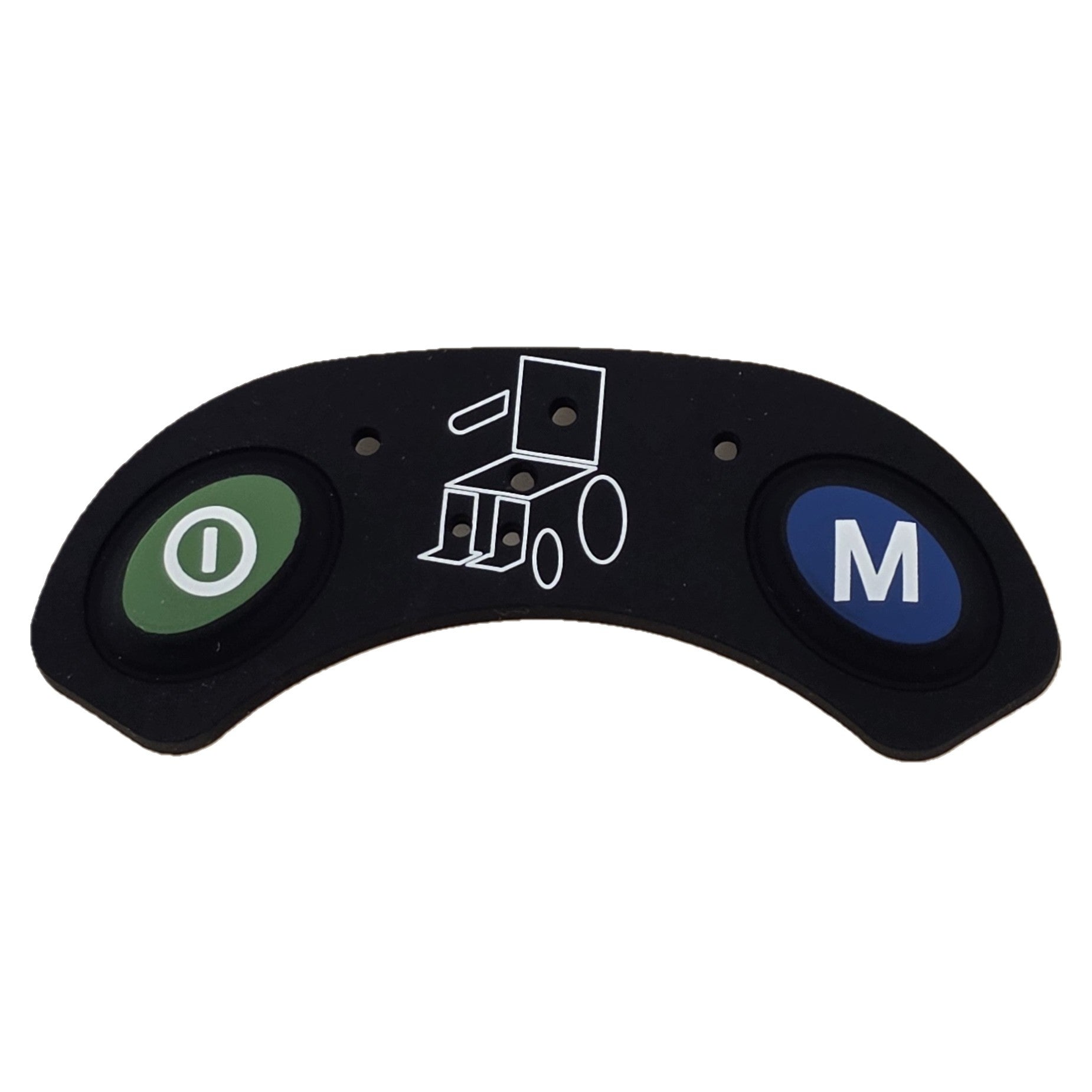


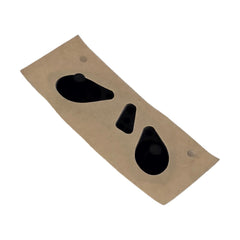
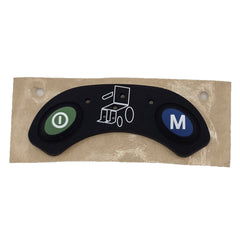

Restore the functionality and appearance of your wheelchair joystick with this replacement keypad designed for the Q-Logic EX Series Stand Alone Wheelchair Joystick Controller. Ideal for replacing worn, damaged, or unresponsive keypads, this adhesive-backed replacement installs directly onto the existing joystick faceplate.
Product Features
- Replacement keypad for the Q-Logic EX Series Standalone joystick
- Compatible with Pride joystick model ELEASMB5205
- Adhesive-backed design for simple installation
- Replaces worn, damaged, or non-responsive keypads
Fitment Notes:
Please compare your existing keypad to the product photos and specifications to ensure compatibility before ordering.
Keypad Replacement Instructions:
- Turn off the wheelchair power.
- Disconnect the joystick cable by pulling back the gray collar.
- Gently pry the existing keypad off the controller.
- Inspect the joystick, contacts, and housing for damage or corrosion.
- Clean all old adhesive from the faceplate using an alcohol prep pad, including around edges and cutouts.
- Allow the faceplate to dry completely for about 10 minutes, then verify all adhesive residue has been removed.
- Remove the protective backing from the new keypad.
- Carefully align the new keypad with the joystick faceplate. Once applied, it cannot be repositioned.
- Press the keypad into place from the bottom upward, ensuring a secure bond.
- Check that the keypad is fully seated with no wrinkles, ripples, or air pockets.
- Reconnect the joystick cable.
- Power on the wheelchair and test all joystick functions.
- If the joystick still does not operate correctly, the joystick itself may be faulty.
DWR1111D003, KITASMB1730
We accept returns within 30 days of delivery. For more information, check out our full returns policy.
- Choosing a selection results in a full page refresh.